Any combination
Mac ↔ Windows, Mac ↔ Mac, PC ↔ PC, Linux ↔ anything, and Android ↔ any computer.
 TwinDesk
New in 2.0 Android support 📱
Your Mac, Windows PC, Linux PC and Android phone, working together like they were made for it. One mouse and keyboard, screens, apps, files, clipboard and notifications, shared between all of them.
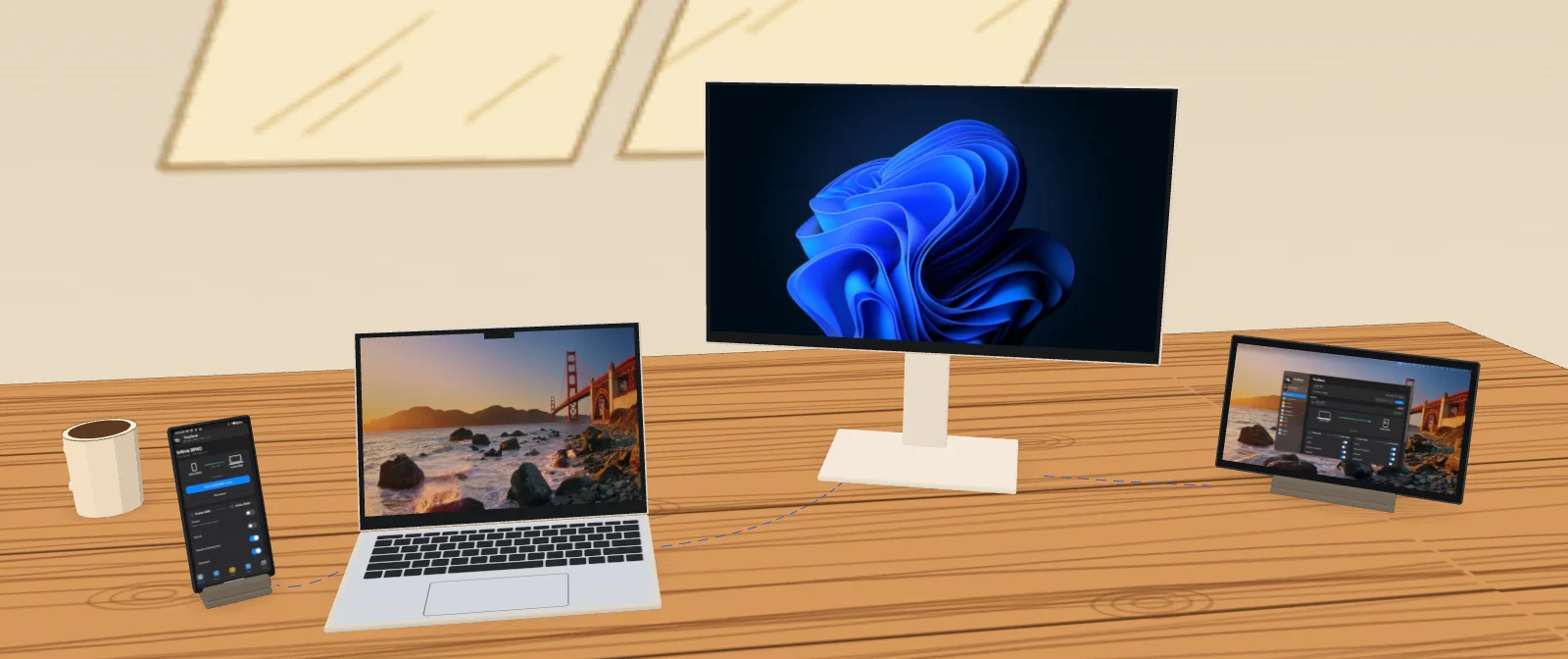
TwinDesk fixes that.
Mac ↔ Windows, Mac ↔ Mac, PC ↔ PC, Linux ↔ anything, and Android ↔ any computer.
Devices talk directly over your network or a USB cable, on an encrypted link.
Install the app on each device and pair once. That's the whole setup.
Put a Mac and a Windows PC side by side and use them like one machine.
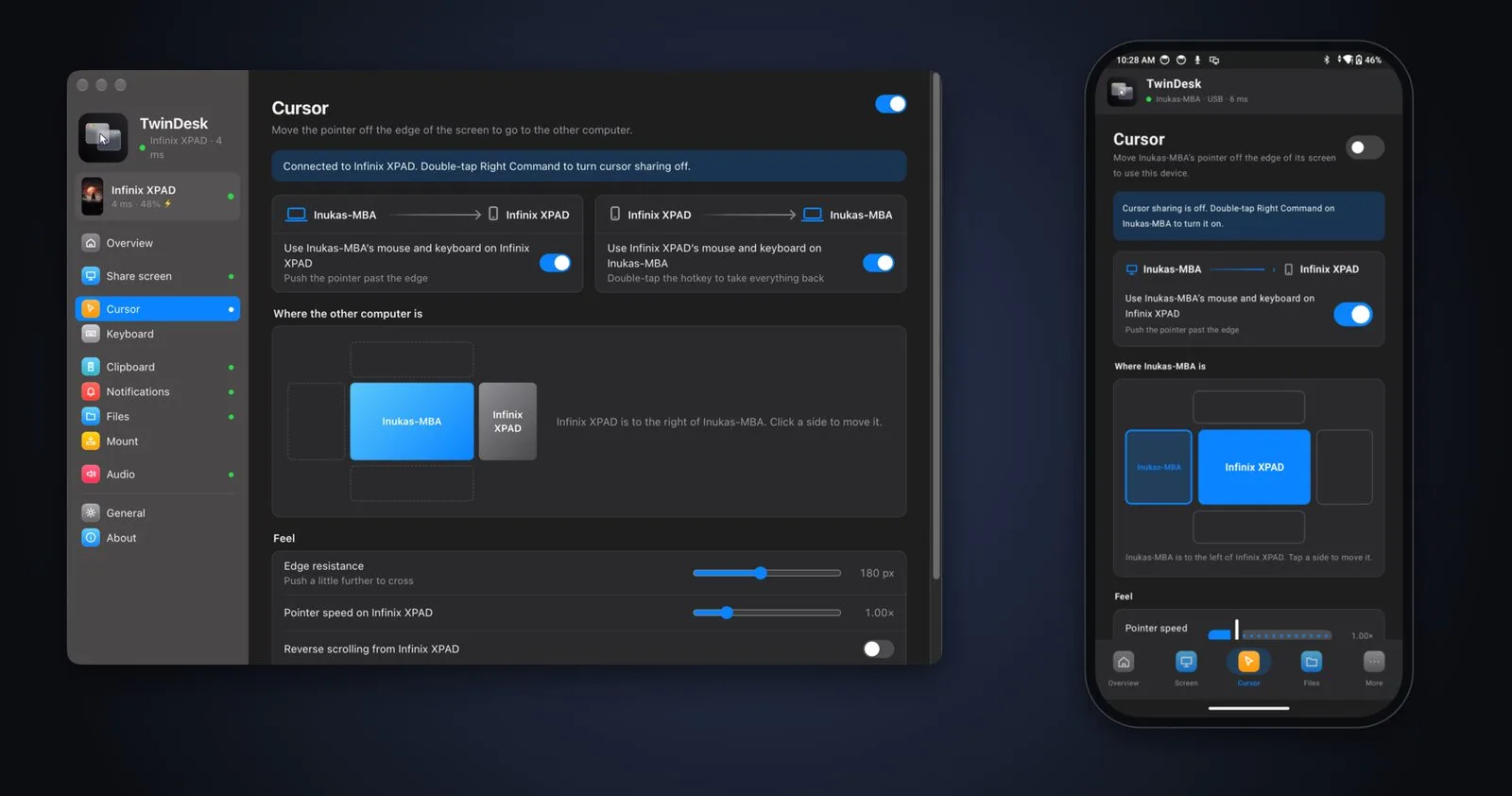
Your keyboard follows the pointer. Trackpad gestures (Spaces swipes, pinch to zoom, show desktop) carry over, and a double-tap of the hotkey brings everything home.
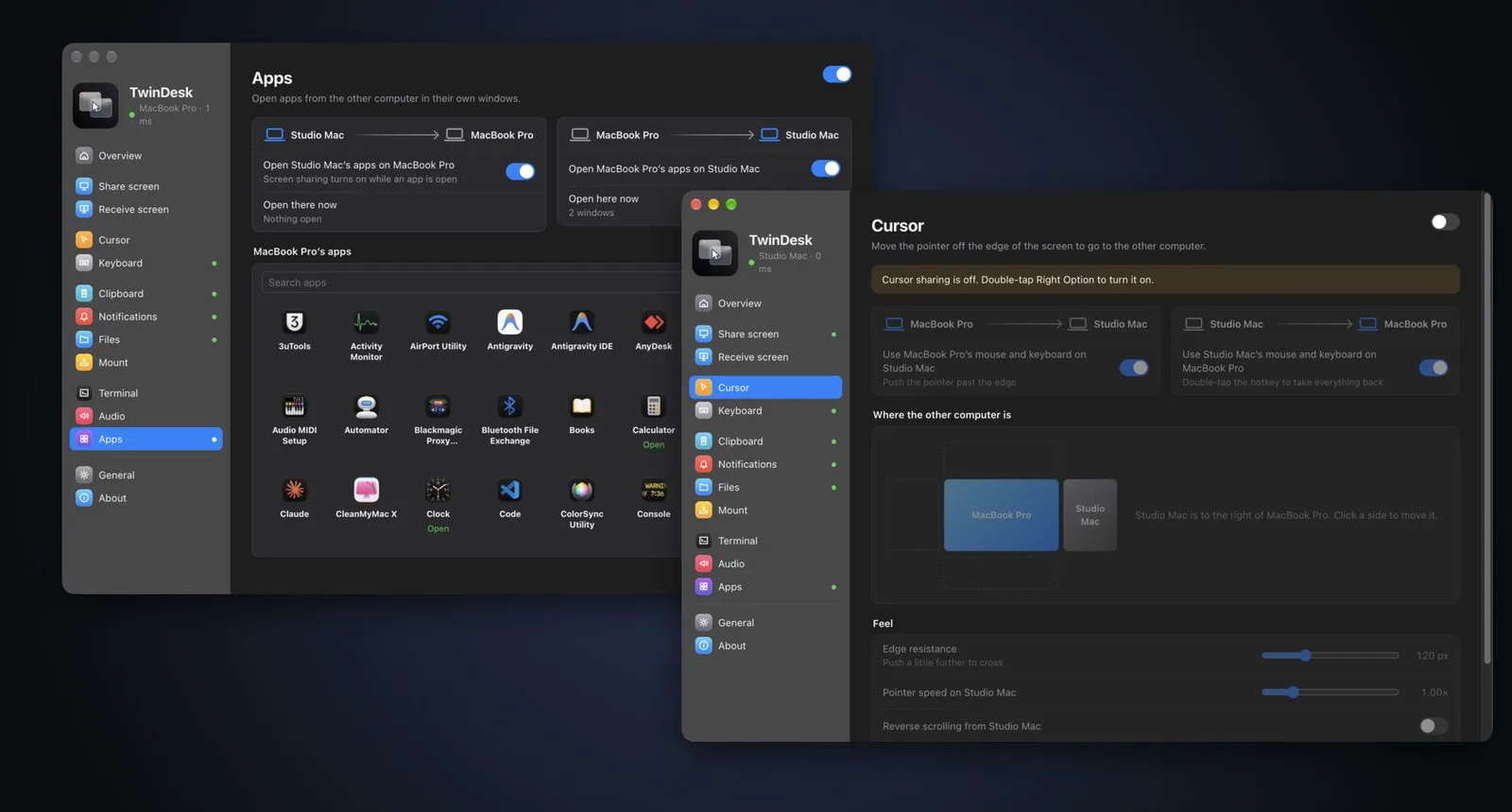
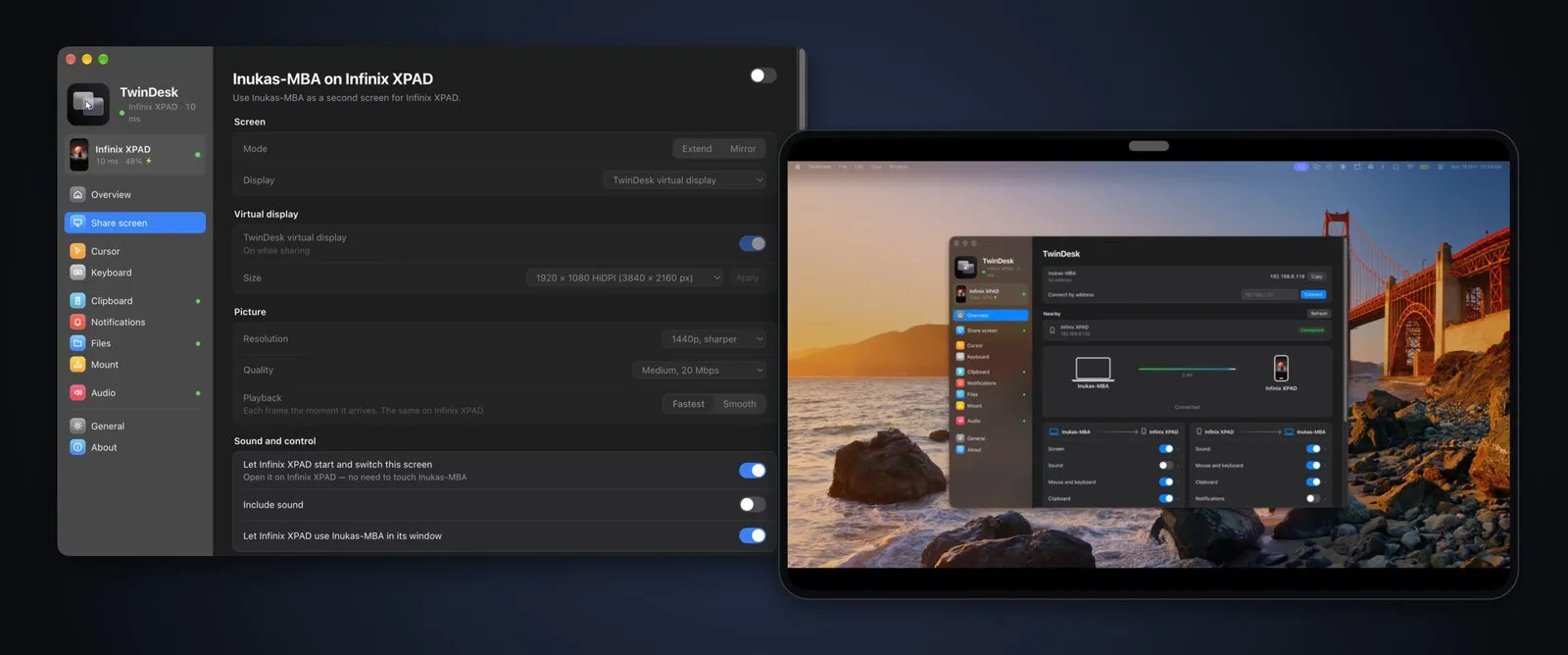
A real virtual display, or a mirror. Low-latency H.264 with Fastest and Smooth playback, and optional frame generation.
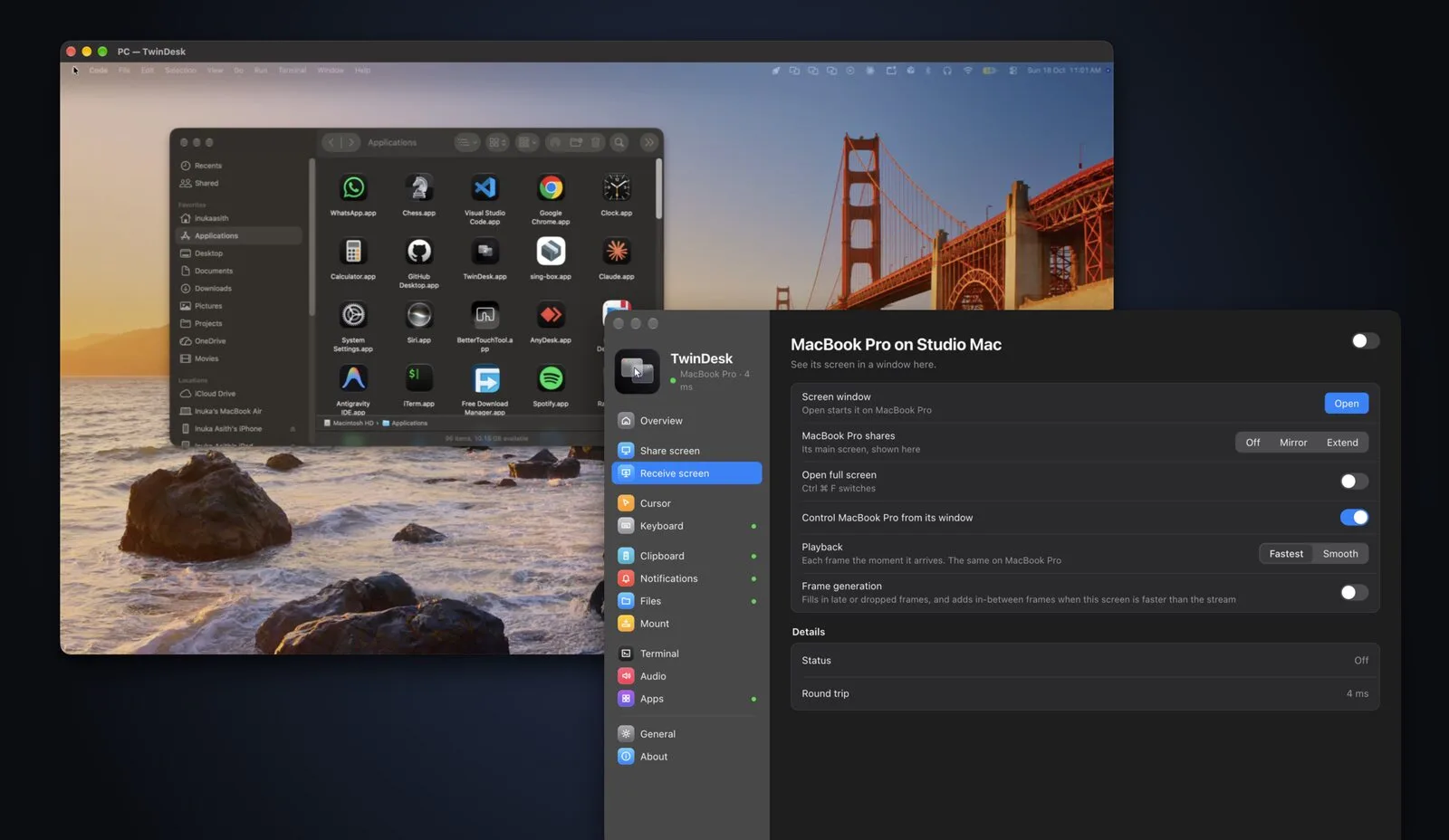
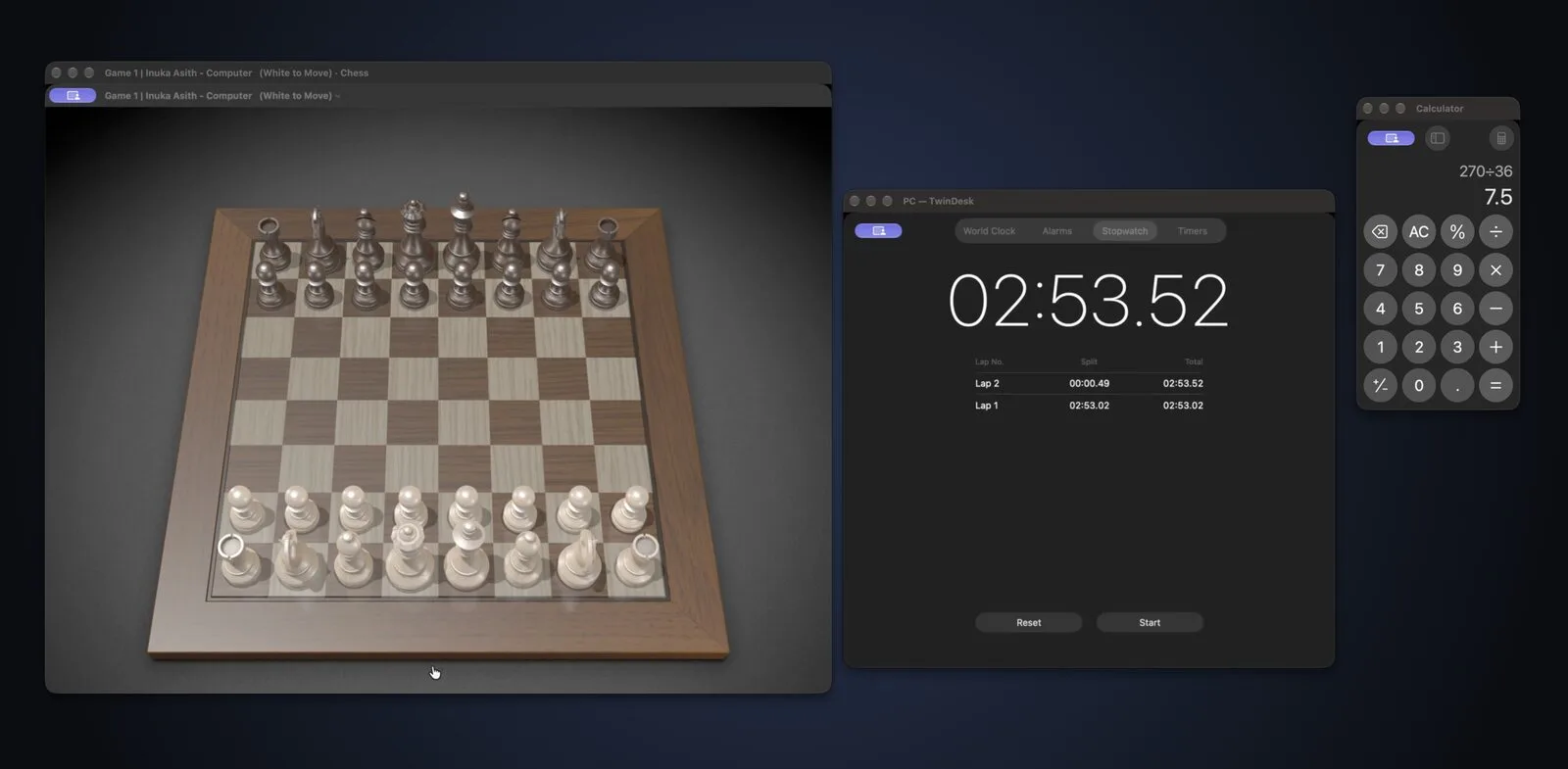
No full remote desktop, just the app you need, next to your own, with its own Dock icon or Start-menu pin.
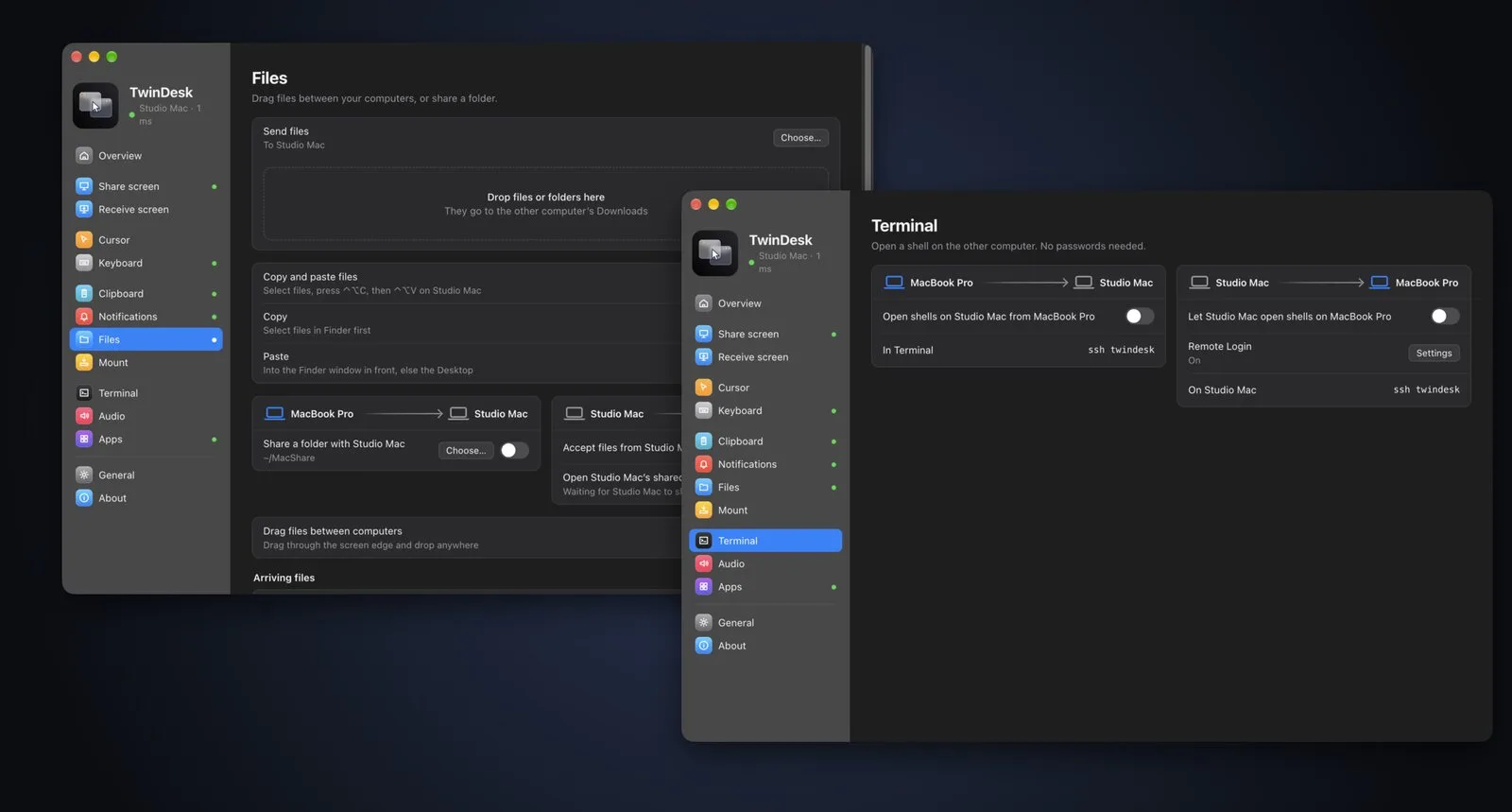
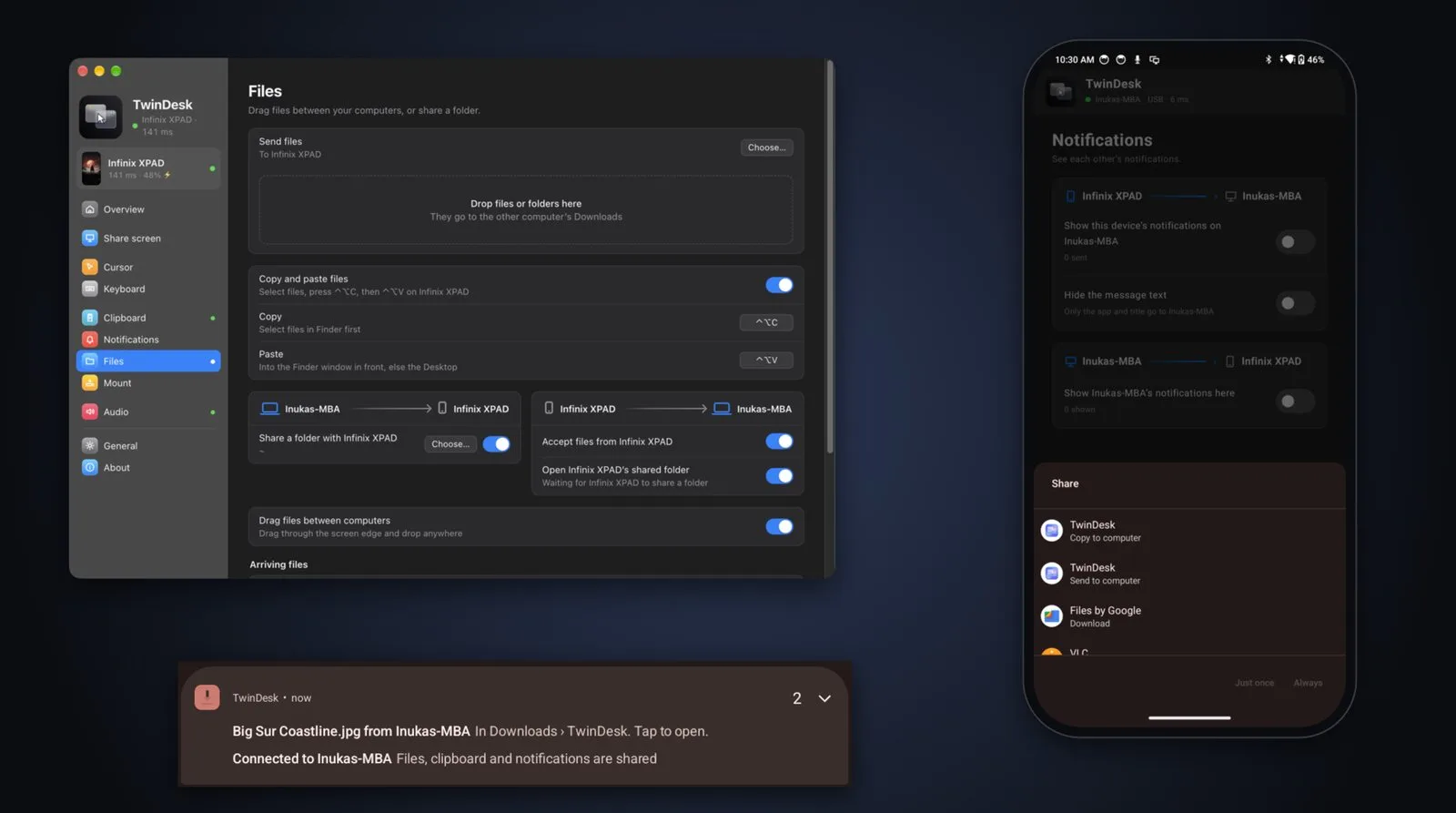
Or copy with ⌃⌥C and paste with ⌃⌥V. Share a folder that shows up as a network drive, and ssh twindesk opens a shell on the other side, no passwords needed.
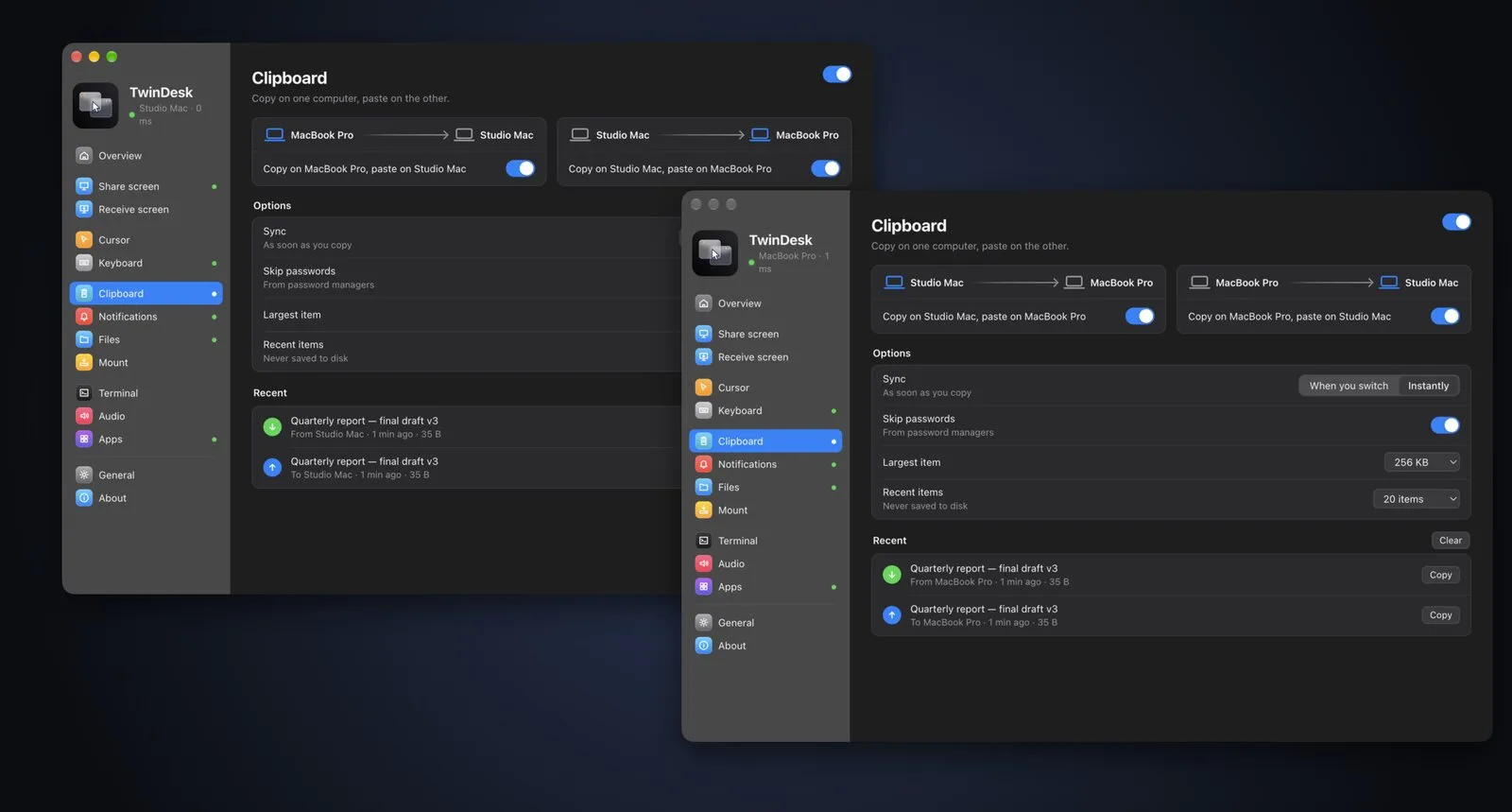
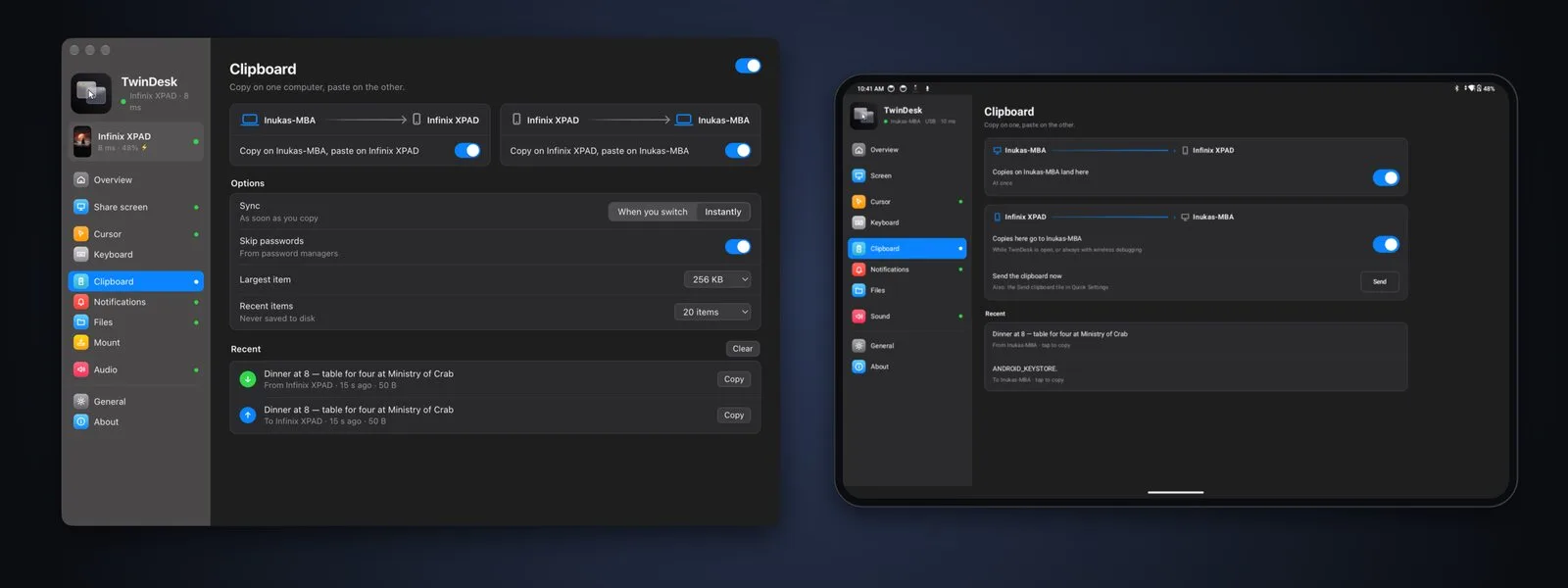
Instantly, or when you switch over. Entries from password managers are skipped, and a Recent list keeps the last few things you copied.
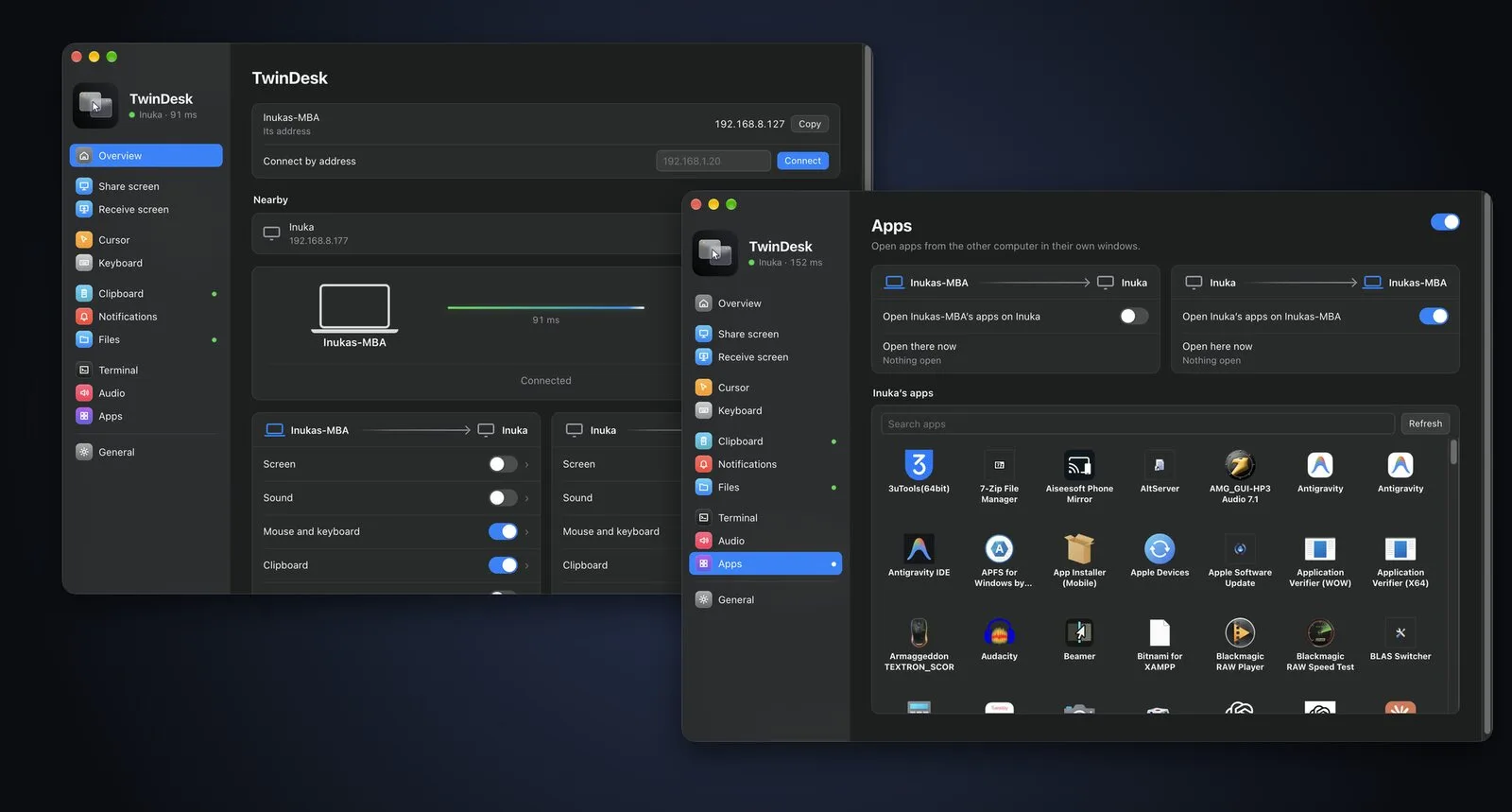
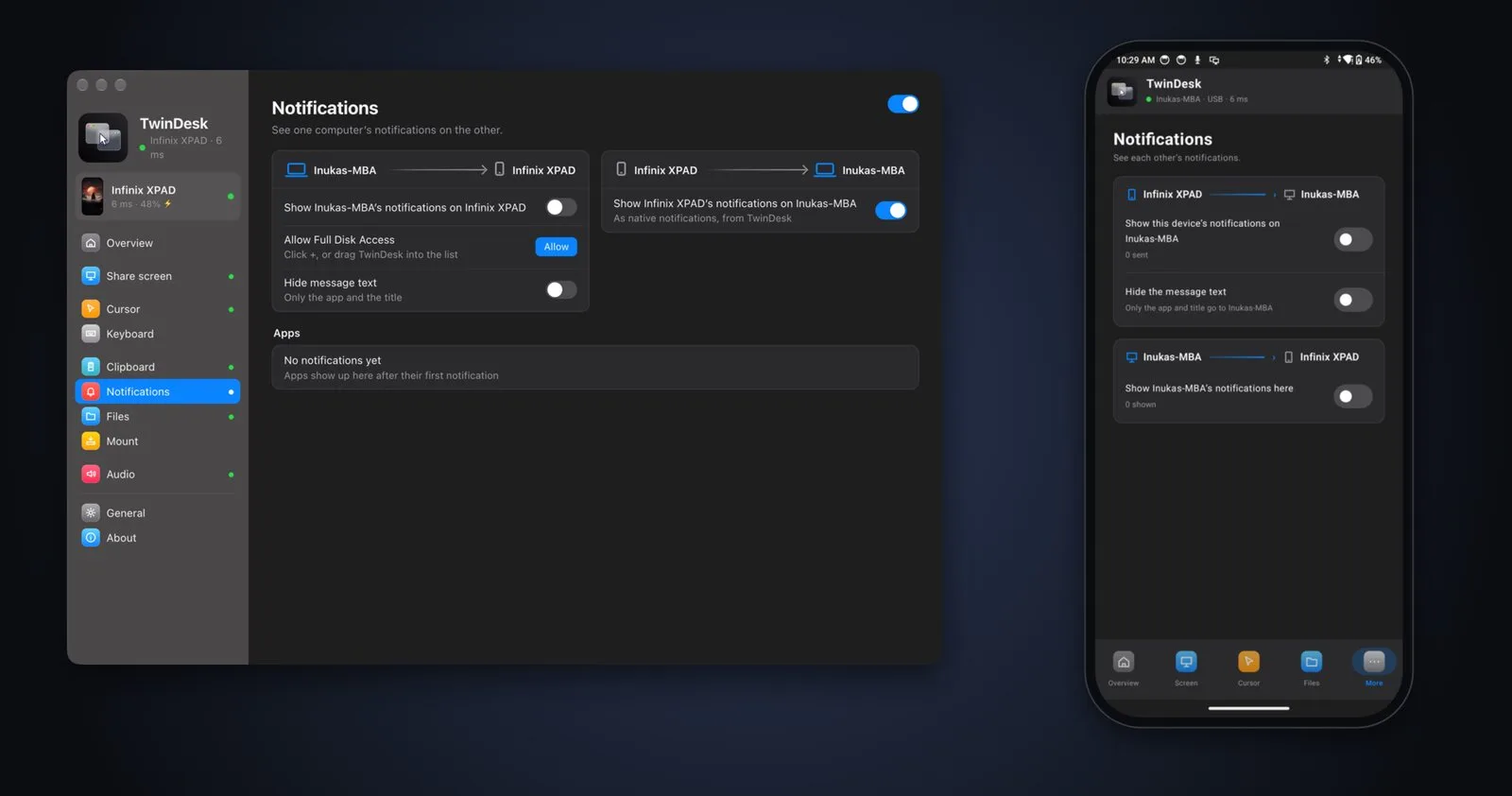
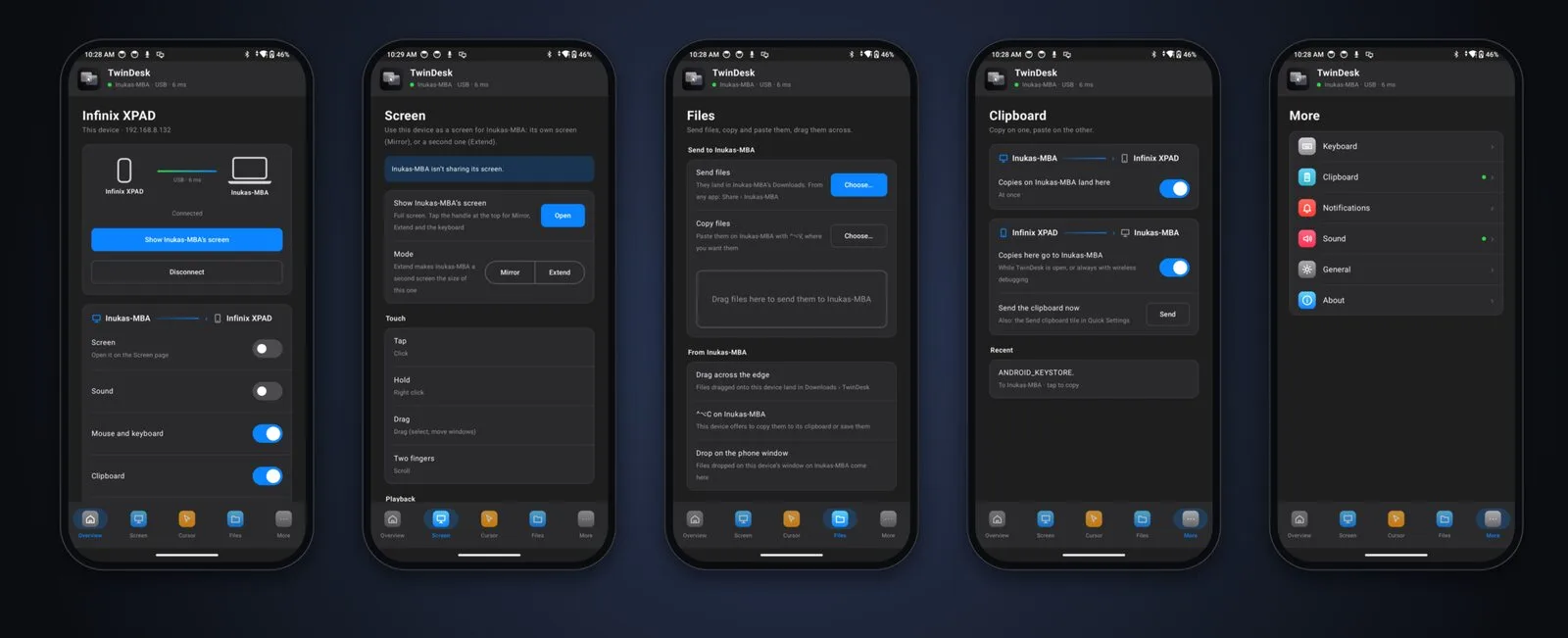
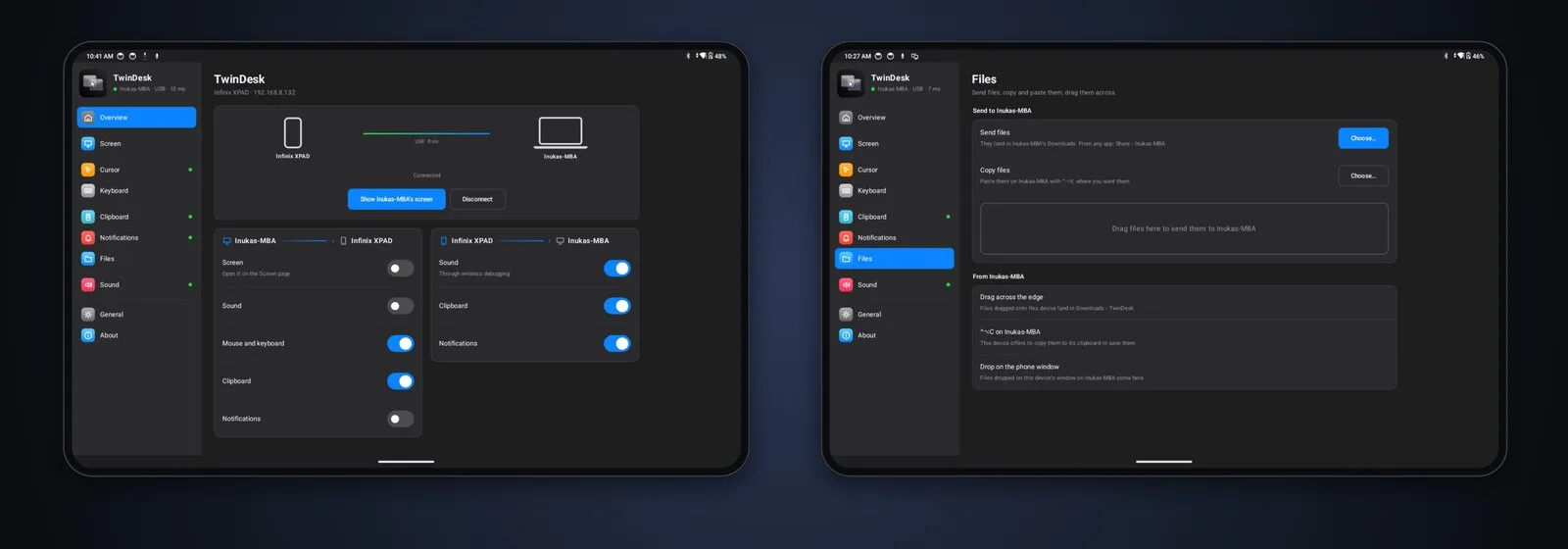
Most phone links stop at notifications and a file drop. In TwinDesk your Android phone or tablet is a full peer: it pairs like a computer and gets the same features.
See the phone's screen in a window and control it with your mouse, trackpad and keyboard, or open single apps on their own. Pin them to the Dock or the Start menu like any other app.
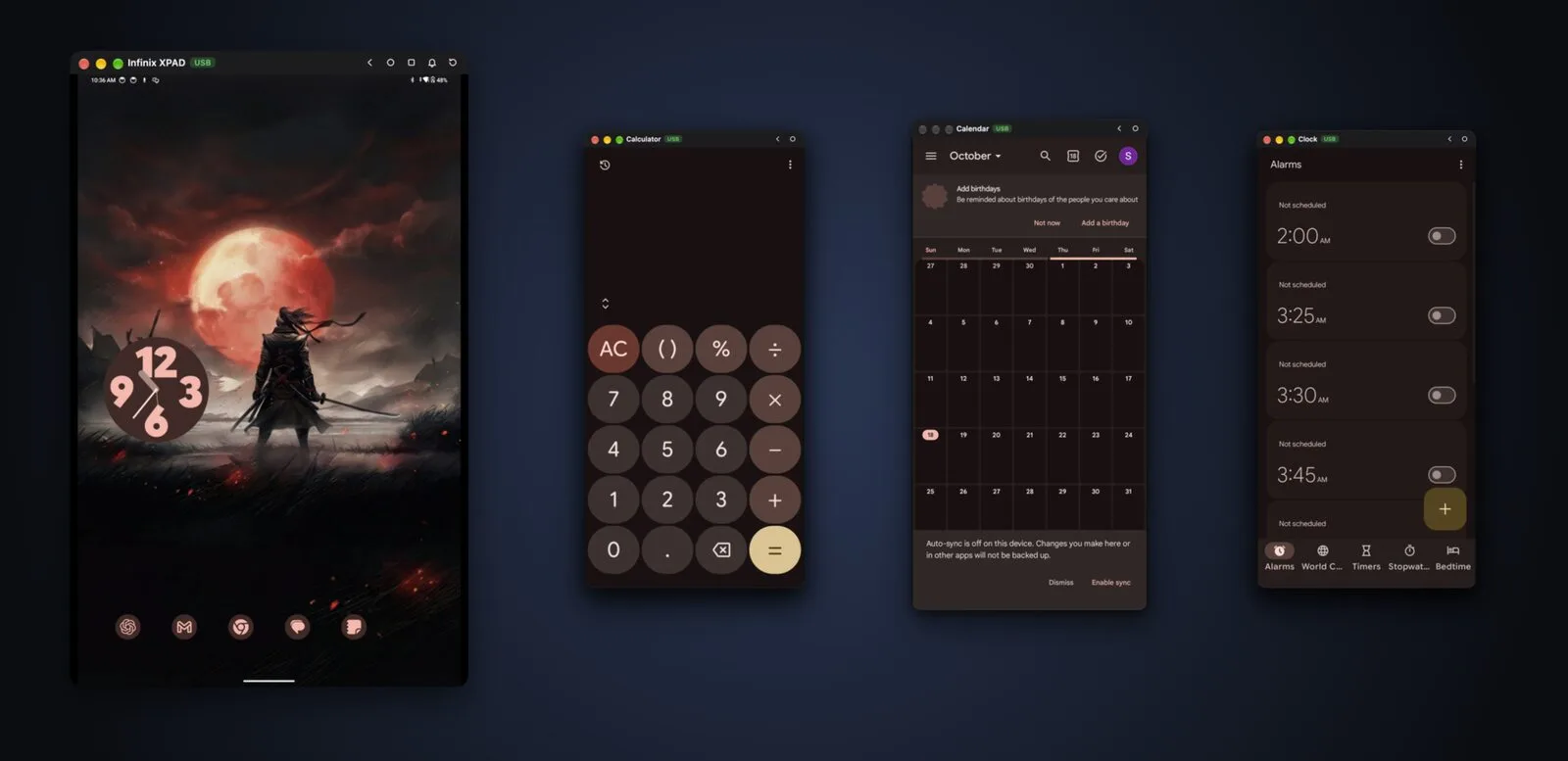
Extend for more desktop space, or Mirror to show what's on your screen. Drag windows onto it and use touch as the mouse: tap to click, hold to right click, two fingers to scroll.
Pick Send to computer in the system share menu. Going the other way, use the macOS Share menu, Explorer's Send to, or drag files across the screen edge. Files arrive with a notification you can tap to open.
Type with your real keyboard in any Android app, scroll with your trackpad, then double-tap the hotkey to come back.
TwinDesk finds your phone on the network by itself and reconnects after a Wi-Fi drop. Plug in a cable and it switches over for even lower latency, then back to Wi-Fi when you unplug.
Get TwinDesk for each computer and your phone. It's free.
They find each other on the same network, or over a USB cable for a phone.
Compare a code. From then on they connect by themselves.
For the phone's screen, apps, touch and mouse, TwinDesk walks you through turning on Android's wireless debugging once. Files, clipboard and notifications work right away.
TwinDesk only talks to devices you've paired with, directly over your own network or cable. No accounts, no telemetry, no cloud relay. The only internet request is an update check against GitHub's public releases, and you can turn it off.
Free and open source. Install it on every device you want on your desk.
All releases · Star it on GitHub ★ · latest: v2.0.0
Each computer runs an Electron app for the window, pairing, the link and the state machines. Next to it runs a small native helper (Swift on macOS, C# on Windows, C on Linux) for what the OS keeps to itself: capturing and injecting input, virtual displays, gestures, window capture and native drag and drop. The Android app is Kotlin and Jetpack Compose; the computers drive the phone through adb and scrcpy's server. Ports: TCP 47800 (control link) and UDP 47801 (discovery), on your local network only.
You need Node.js 18+ on every platform. Full steps, Android included, are in the README.
xcode-select --install
cd mac
npm install
npm run build:helper
npm startcd windows
npm install
npm run build:helper
npm startsudo apt install build-essential libx11-dev \
libxi-dev libxtst-dev libxrandr-dev libxfixes-dev
cd linux
npm install
npm run build:helper
npm start